Turn your to-do list into a calm, focused routine.
Smart Task Manager helps you plan your day with beautiful time blocks, track progress with satisfying bars, and stay consistent with small daily habits.
Whether you’re studying, training, or building habits, Smart Task Manager keeps everything in a single clean timeline.
Pick a start and end time for each task and see your day as a vertical schedule. Perfect for workouts, revision sessions, or morning routines.
Drag the progress bar to celebrate how much you’ve done. Watching the bar fill up makes it easier to stay motivated.
A calm dark theme with neon accents inspired by the app UI. Easy on your eyes at night and sharp during the day.
No complicated menus. Just create a task, set the time, and slide the progress bar as you go.
These screens are taken directly from the app so users know exactly what they’re getting.
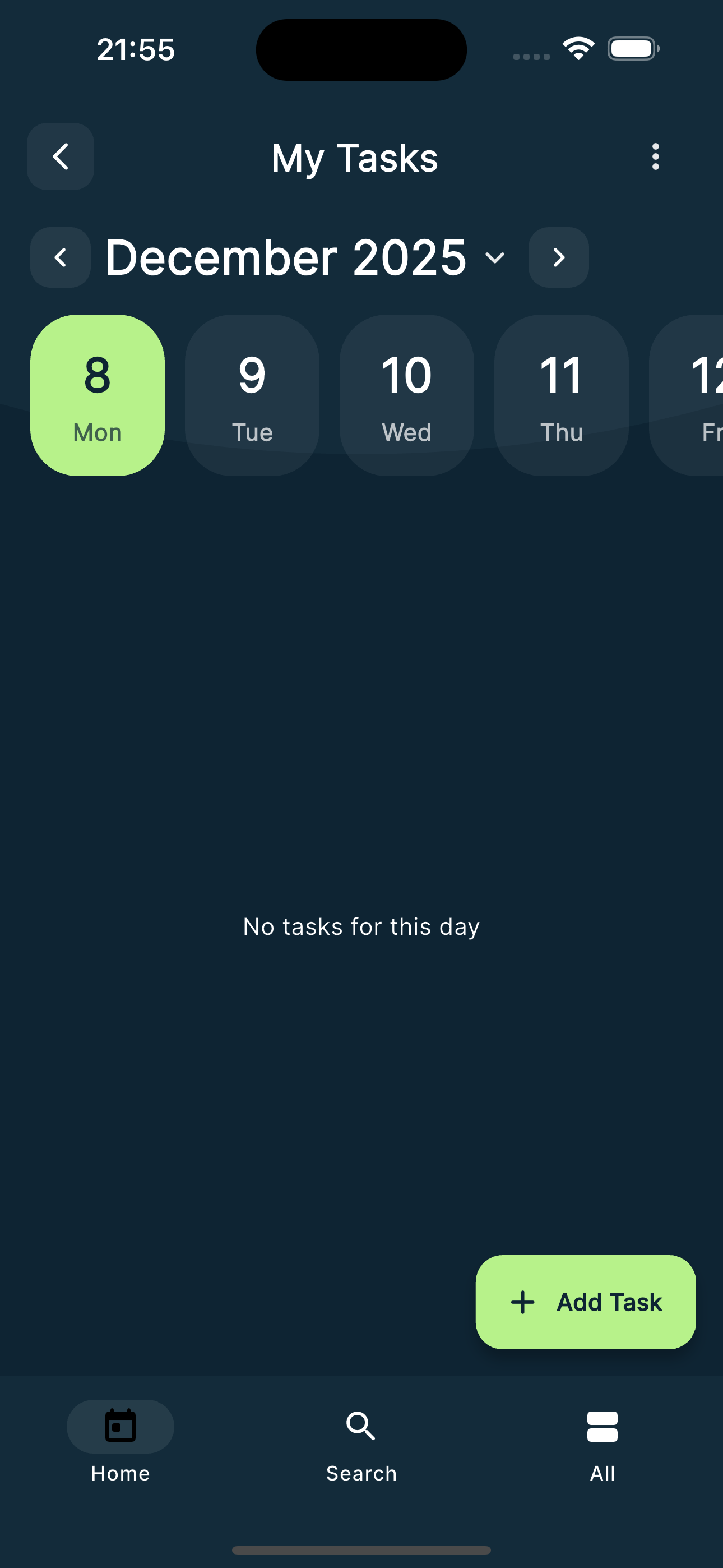
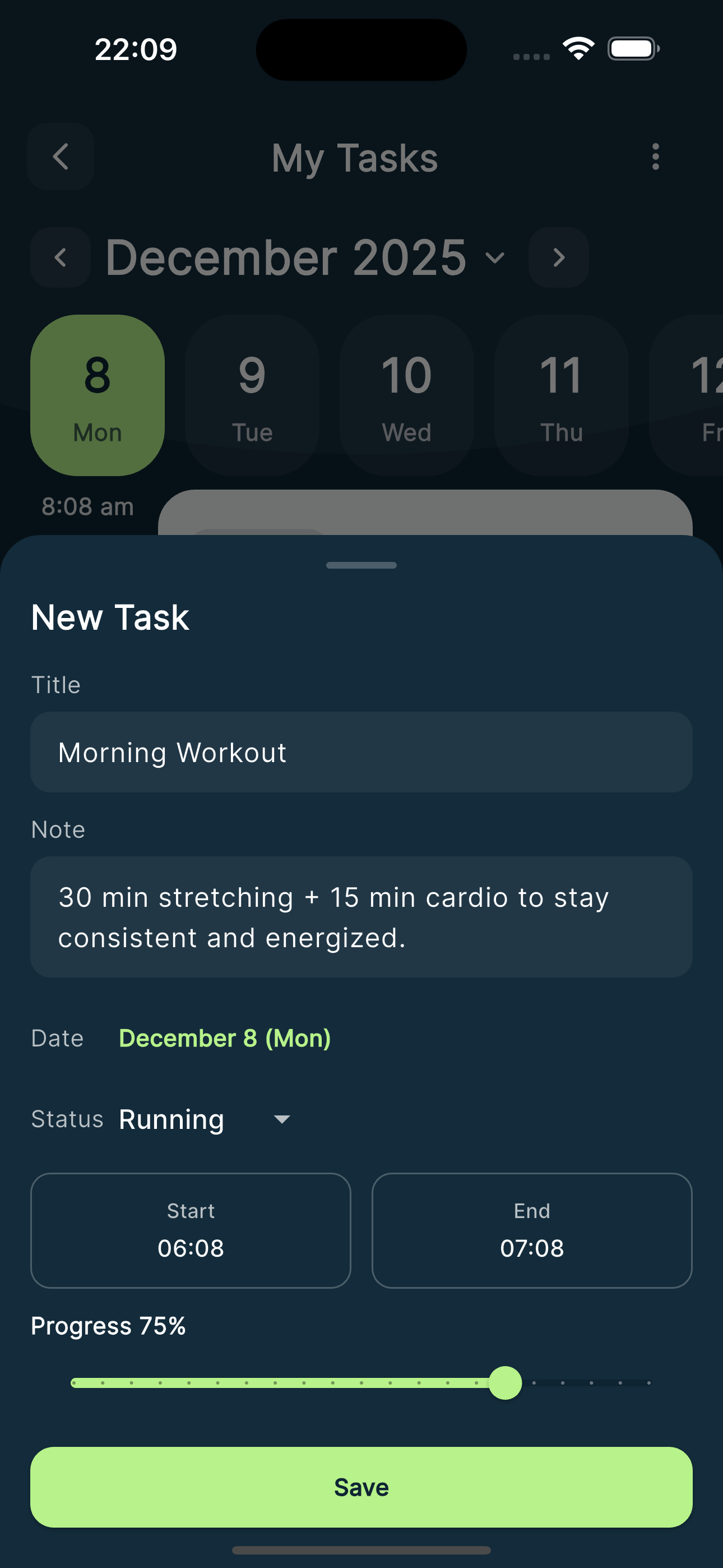
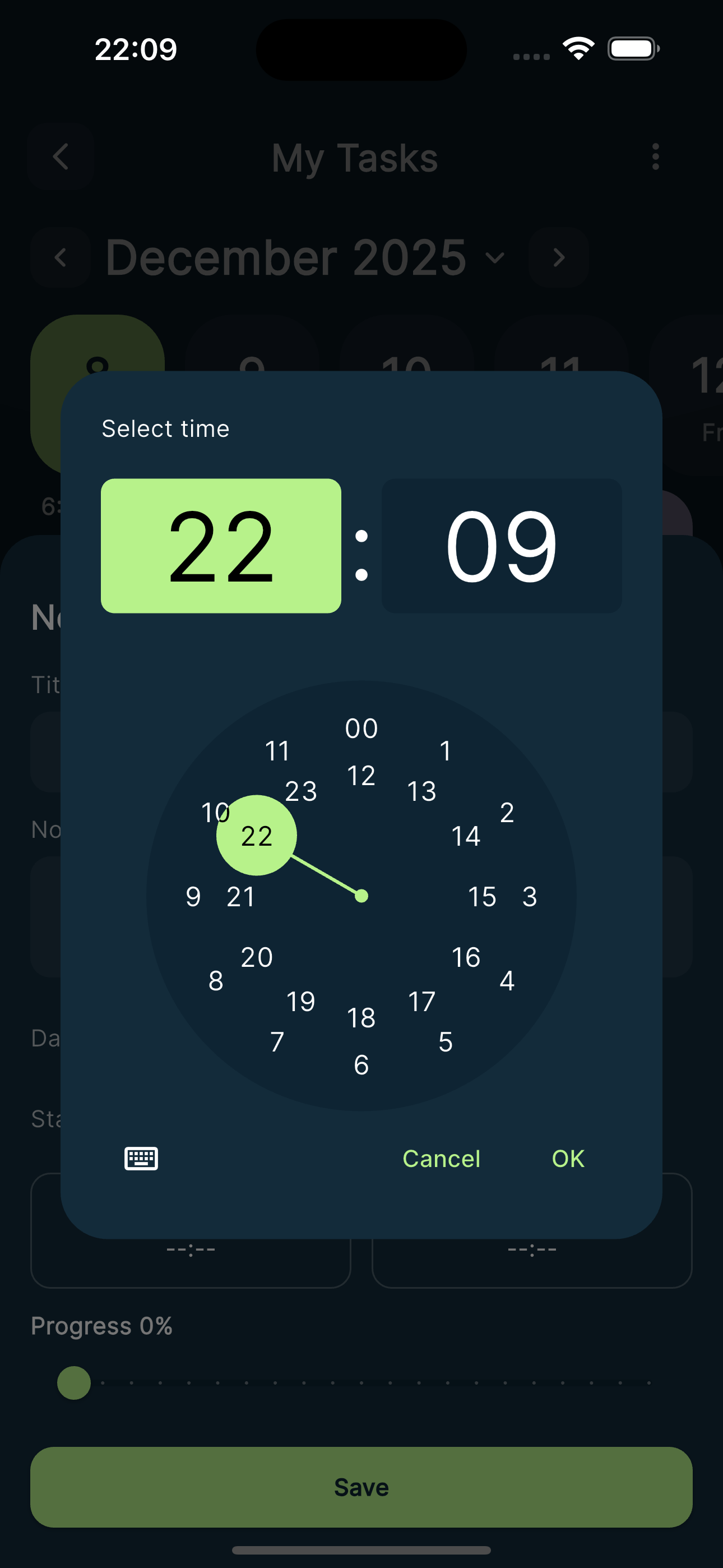
A quick overview you can also reuse for the Google Play description.
Is Smart Task Manager free?
Yes. You can download and use the app for free. If you add premium features later, you can update this text.
Do I need an account?
No account is required. Just install the app, create your first task, and you’re ready.
What type of tasks is it good for?
Work sessions, homework blocks, workouts, language practice, deep-work sprints, or any routine you want to repeat.
Will you add reminders or widgets?
Yes, upcoming updates will focus on reminders, statistics and more personalization for your routines.
Privacy Policy
Smart Task Manager is a simple personal productivity app. We do not require you to create an account to use the app.
All tasks, notes and progress are stored locally on your device and are only used to show and update your task list. We do not collect, sell, or share your personal data with third parties.
If you choose to back up your data using your device’s system services (for example Google backup), that data is handled by your device provider under their own privacy policy.
If you have any questions about this policy or need to request deletion of data, you can contact us at: your-email@example.com. (Replace this email with your real support email.)